
Layouts
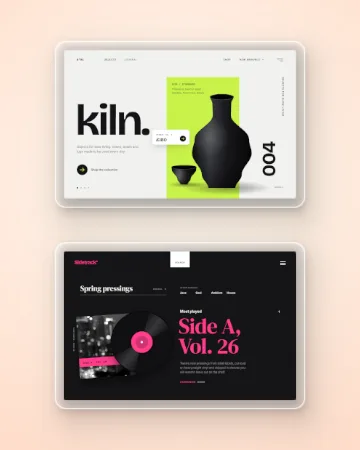
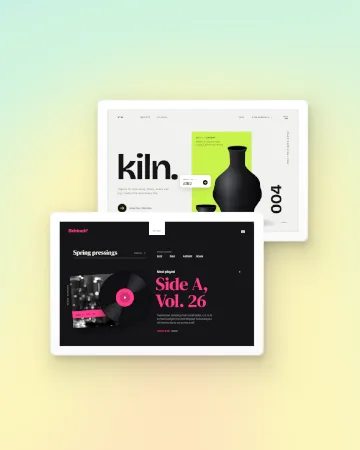
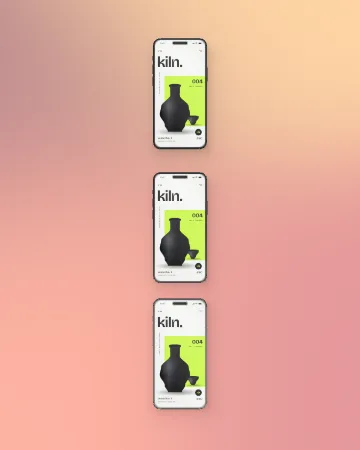
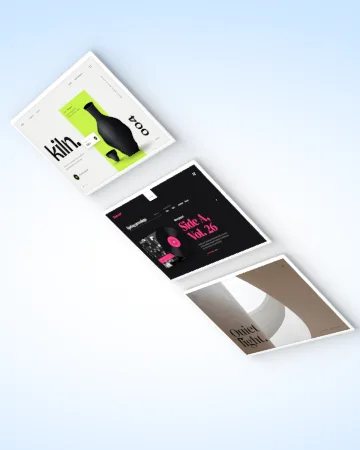
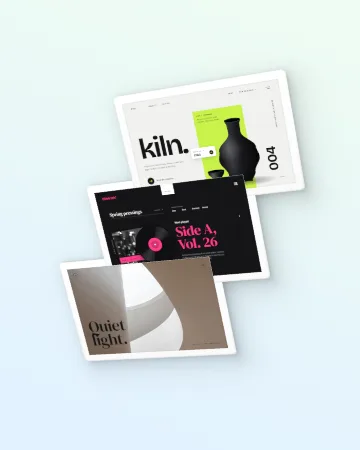
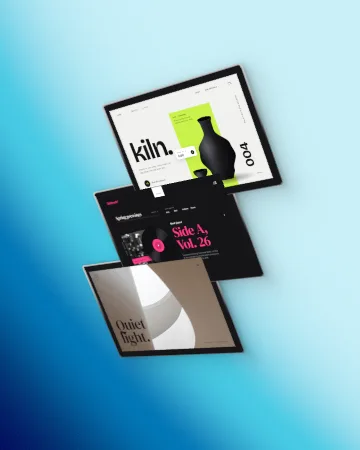
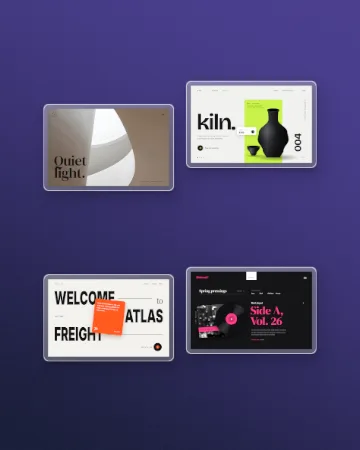
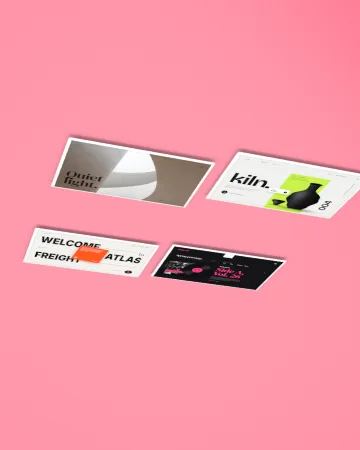
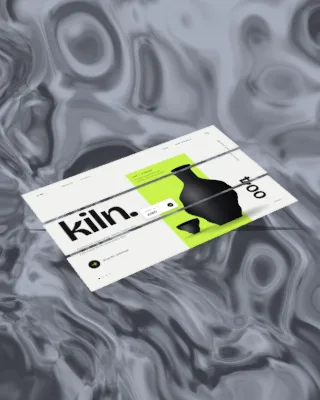
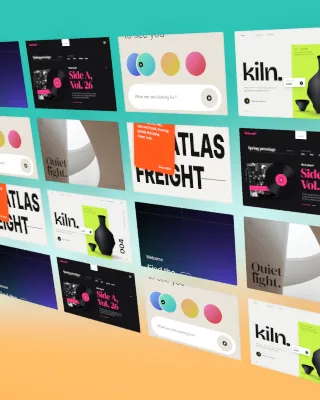
Two to four shots arranged in ready-made layouts: duo, trio, cascade, grid, hero and fan.
Use this template- Free, no account
- Runs in your browser
- MP4, WebM, GIF up to 4K
Good for product updates, portfolio posts and feature announcements.
How to use it
- Open the templatePress “Use this template”. Wowbly opens in your browser with Layouts ready on the canvas.
- Make it yoursDrop in your screenshot or screen recording. Then adjust colours, timing and layout in the Style panel.
- ExportChoose MP4, WebM or GIF up to 4K, or a PNG or JPG still, and download it.
More mockup
See all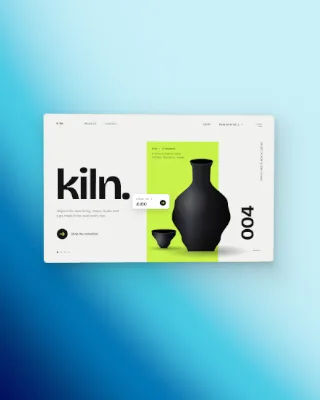
Questions
Is the Layouts template free?
Yes. It is free to use, with no account and no watermark.
What is Layouts good for?
Two to four shots arranged in ready-made layouts: duo, trio, cascade, grid, hero and fan. It suits product updates, portfolio posts and feature announcements.
Which formats can I export?
MP4, WebM and GIF video up to 4K, and PNG or JPG stills.