Mockup3D devicesScroll
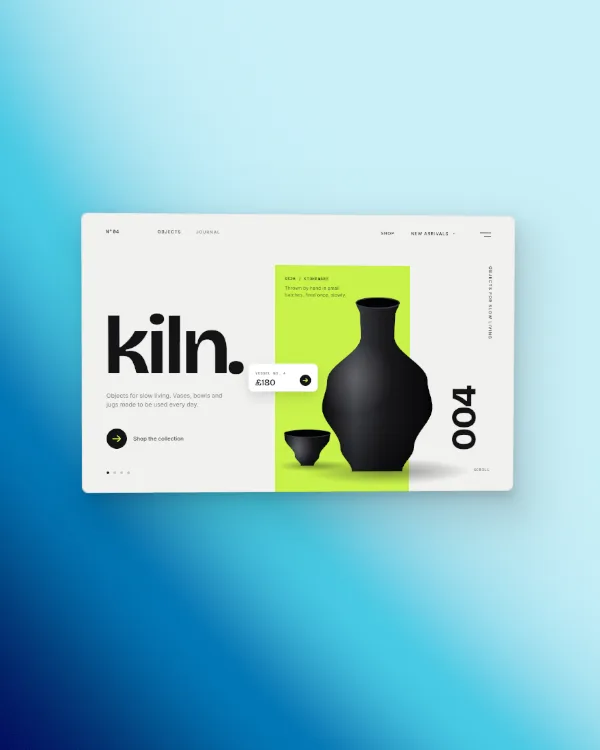
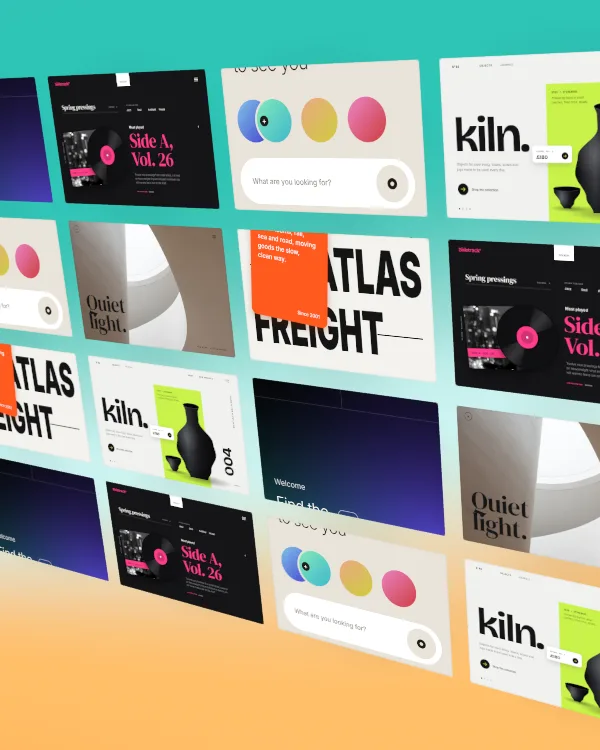
Screenshots, framed and moving
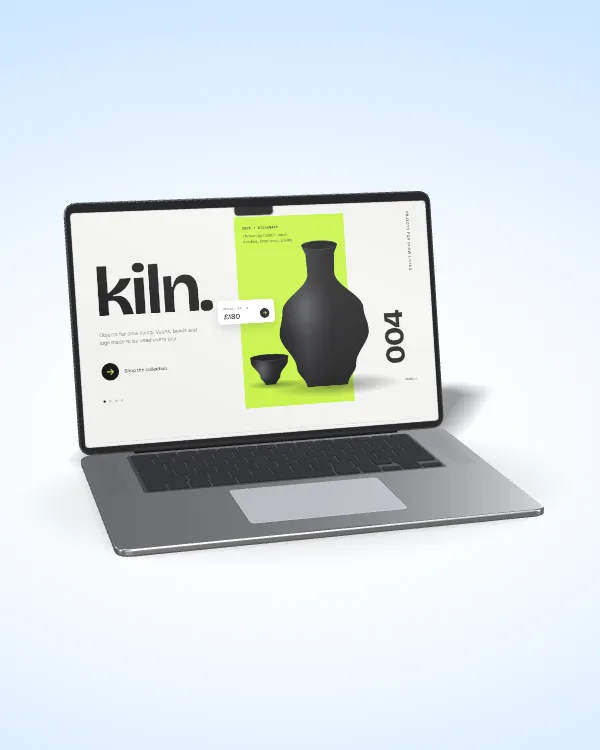
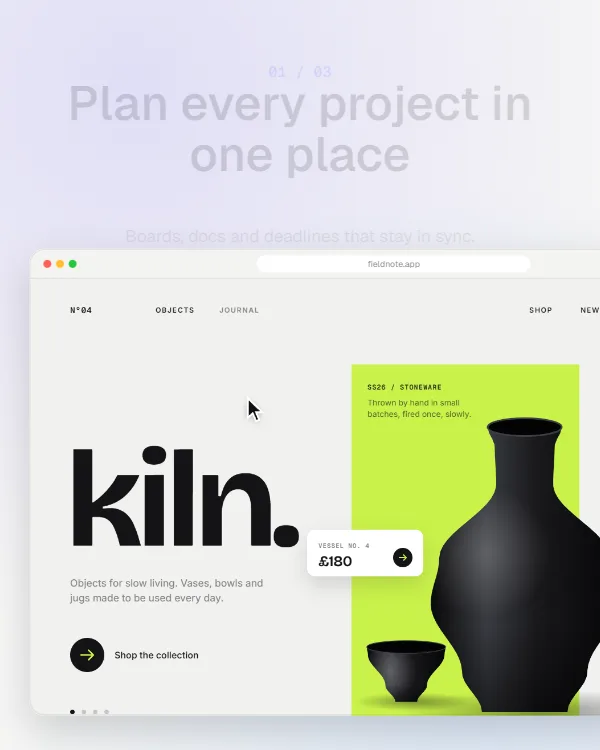
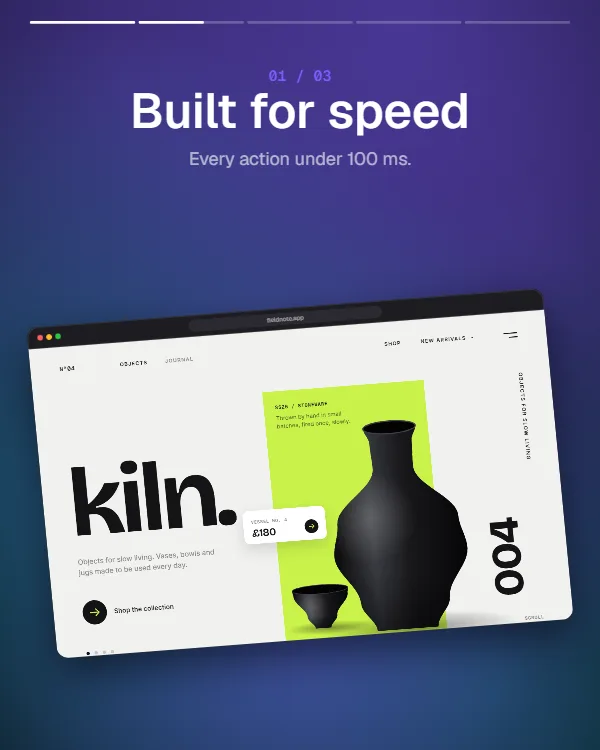
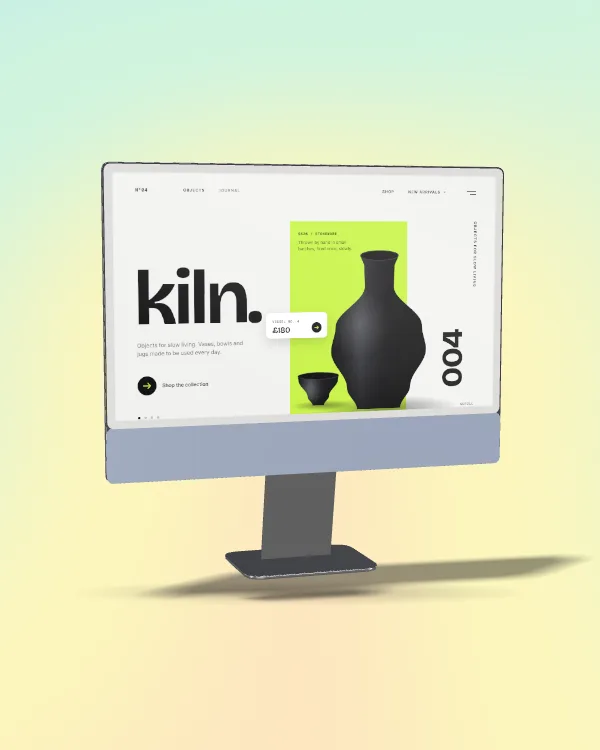
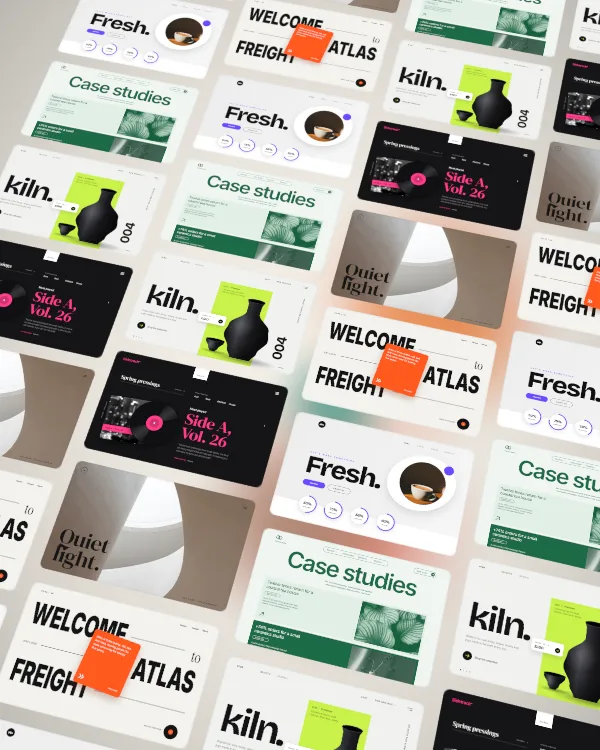
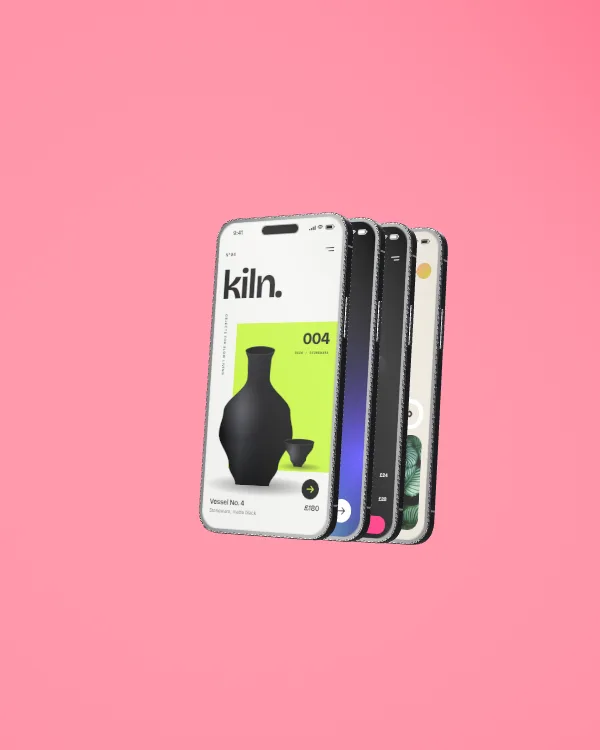
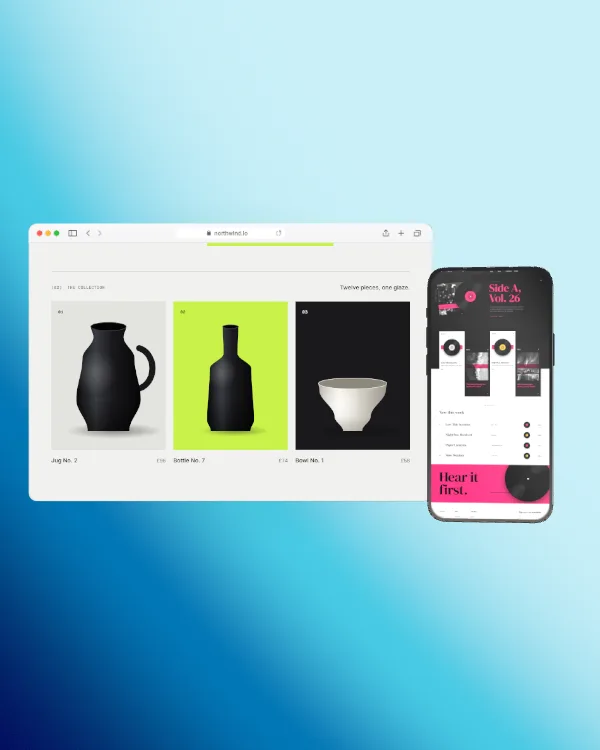
Drop in a screenshot or a screen recording. It lands in a clean frame or an original 3D phone, laptop or tablet, with light, shadow and camera moves.
Mockup templates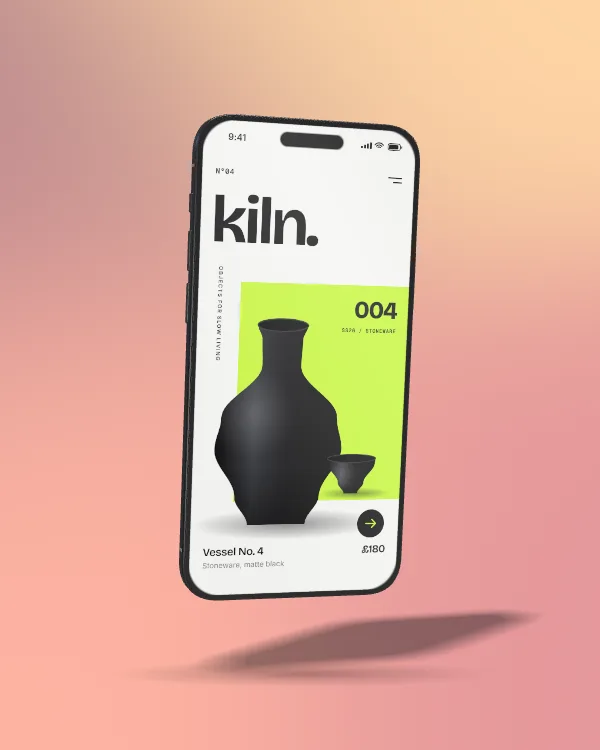
Free in your browser, no account
Wowbly is one canvas for everything that makes a feed pause: backgrounds, stickers, mockups, loud type and launch videos. Drop in a screenshot, pick a look, and export something people stop for.
One canvas
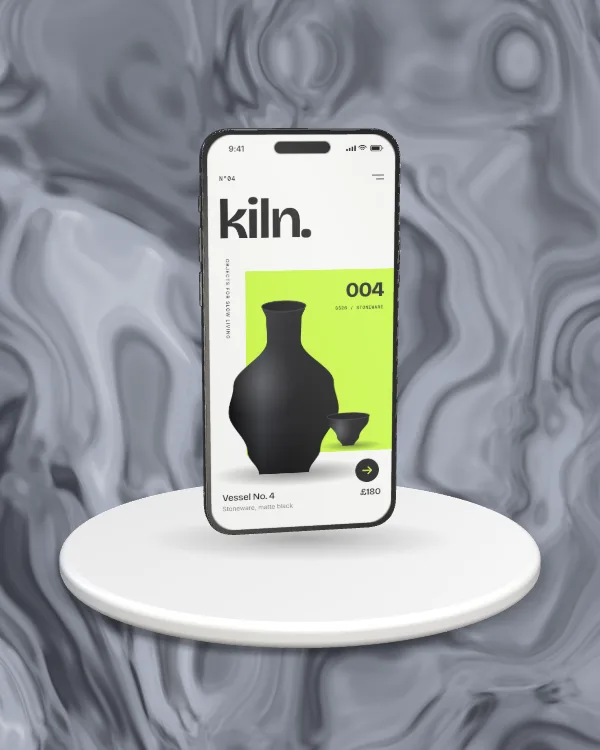
Mockup3D devicesScroll
Drop in a screenshot or a screen recording. It lands in a clean frame or an original 3D phone, laptop or tablet, with light, shadow and camera moves.
Mockup templatesGradientsTexturesLoops
Mesh gradients, liquid silk, aurora, grain and thirty more. Set your own colours and export a seamless loop or a still.
Background templates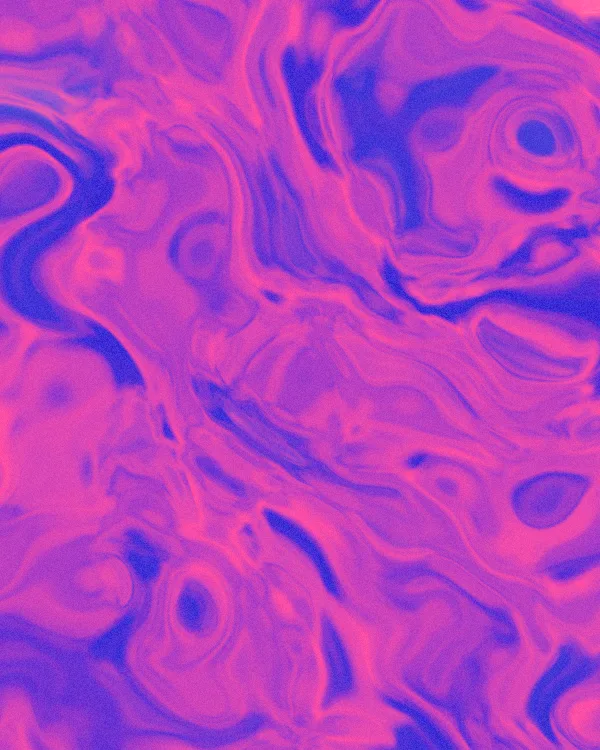
StickersCTAsKinetic type
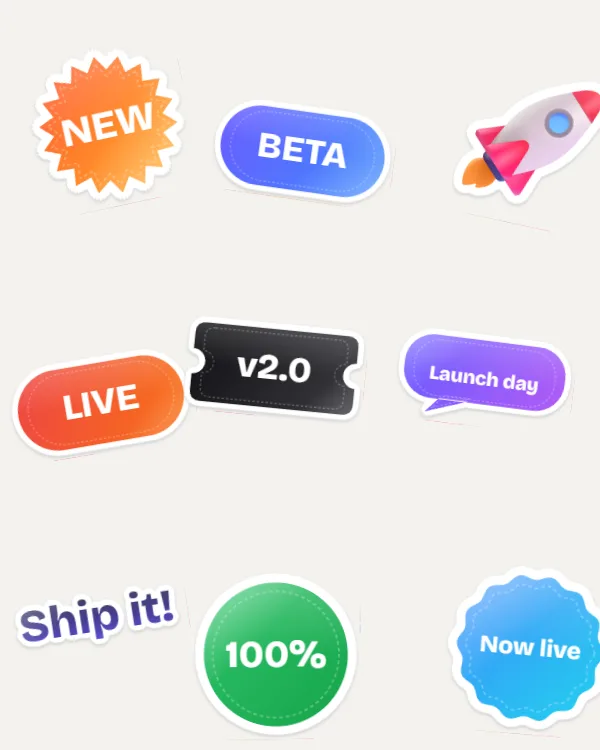
Die-cut stickers that peel and pop, calls to action, counters, marquees and posters. Add them on top of anything.
Sticker templates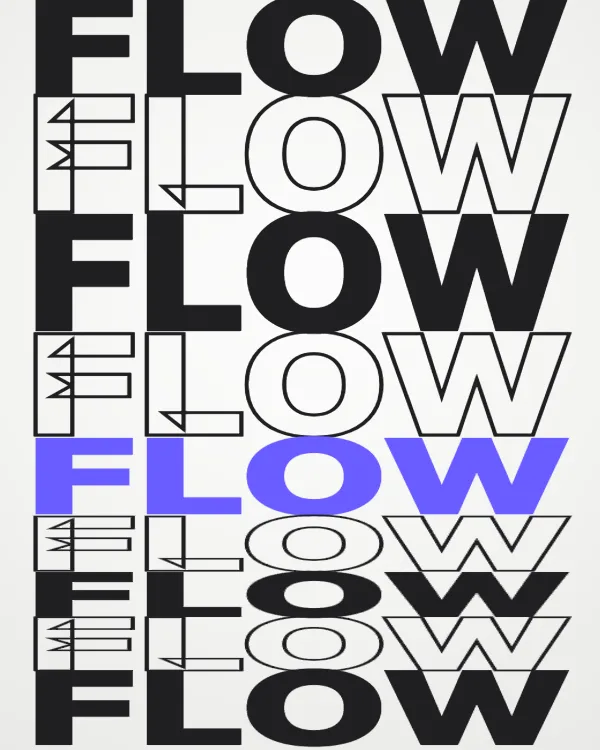
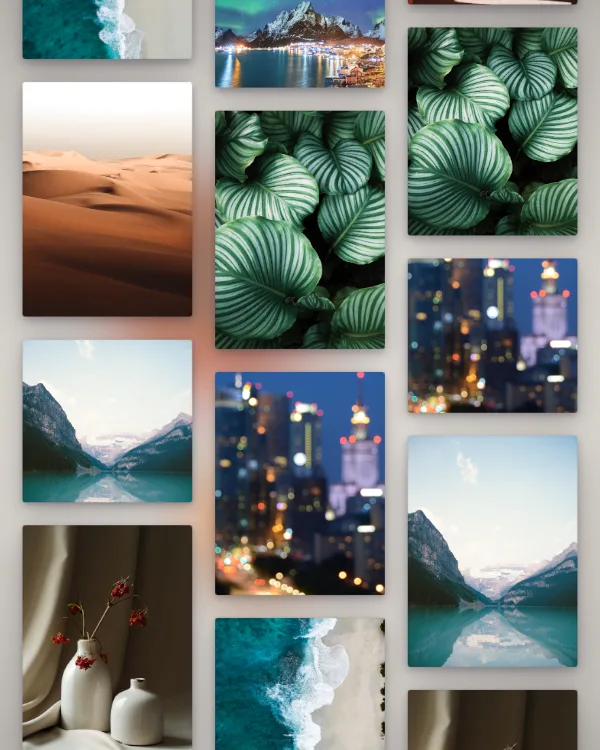
CollageBefore / after
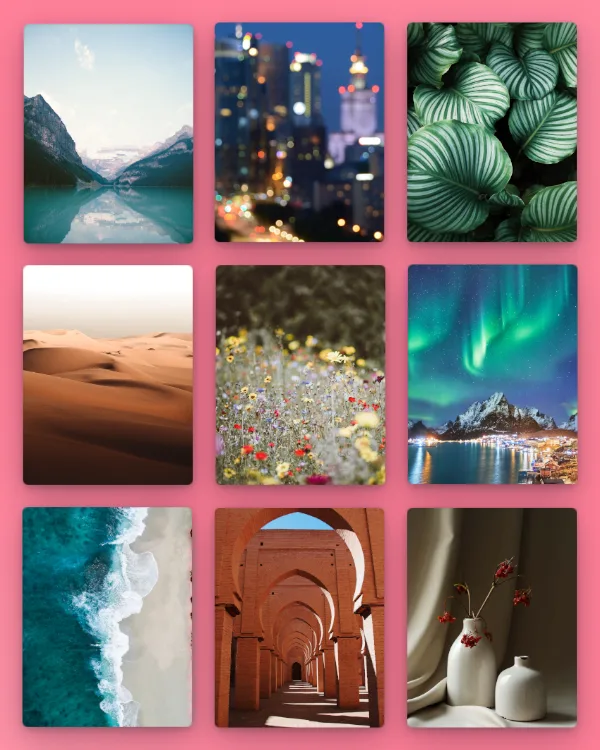
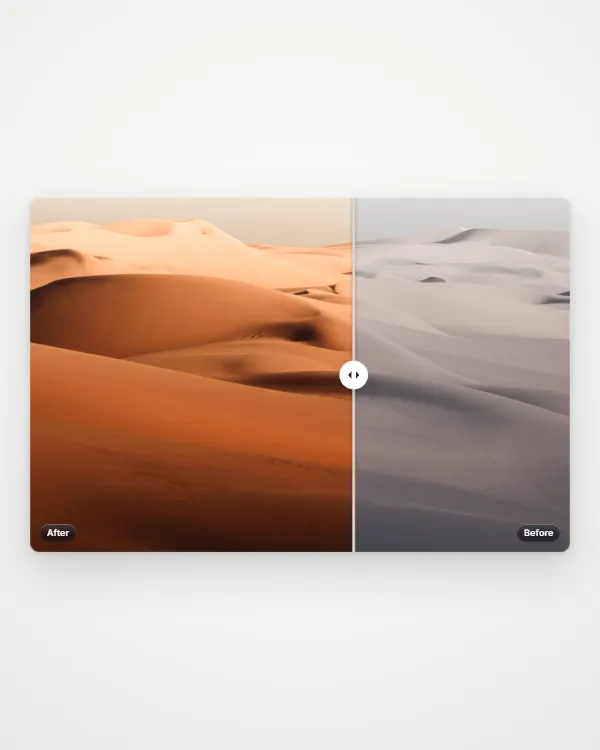
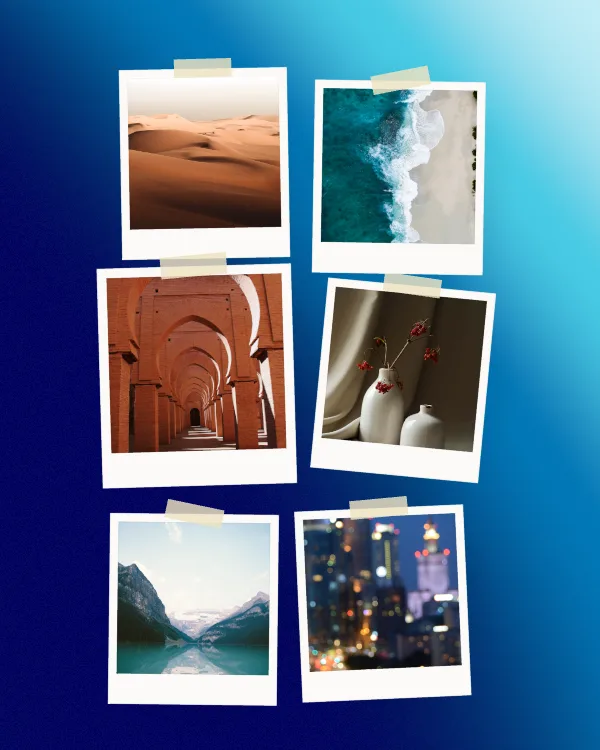
Grids that shuffle, card stacks and film strips for a set of photos. Slider wipes and lens reveals for a before and after.
Collage templates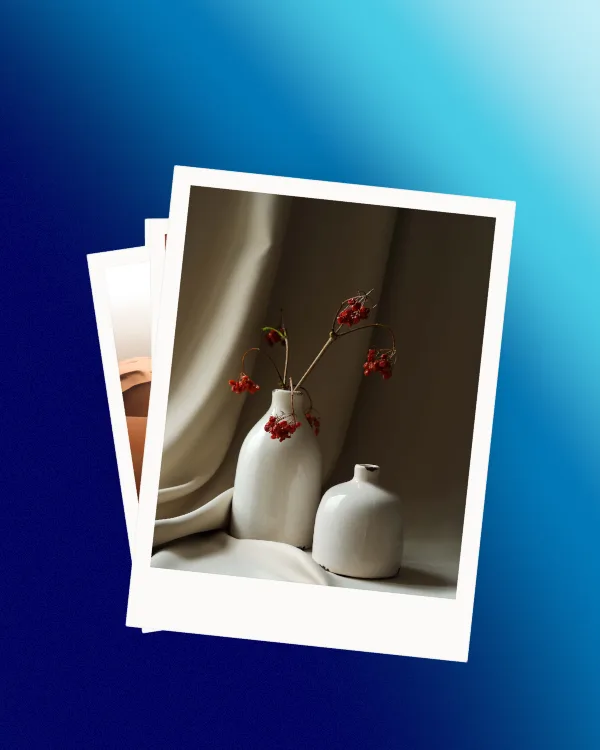
LaunchTimelineScenes
Start from a finished film: title, screens, feature callouts, closing card. Swap in your product and reorder scenes on the timeline.
Launch templates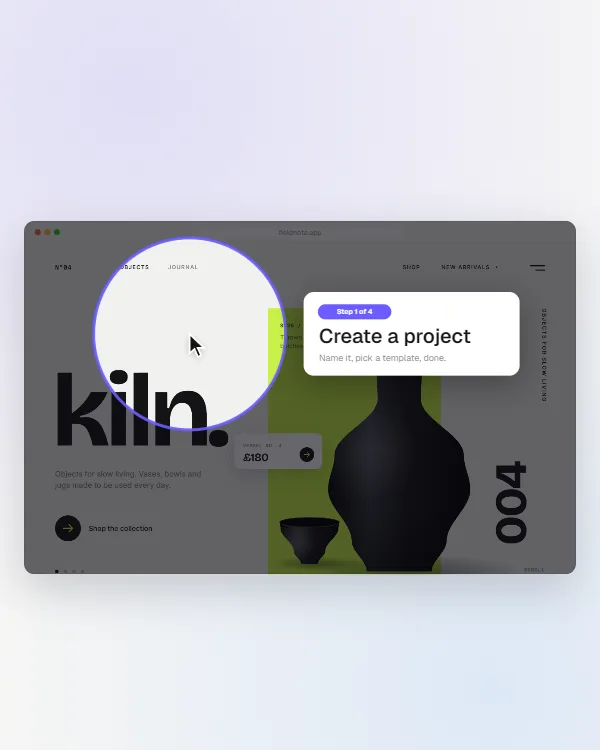
How it works
One of 116 templates, or a blank canvas you build up with layers.
Screenshots, photos or words. Move, resize, flip, layer, add shadows and stickers.
Video up to 4K or a still, sized for reels, stories, posts and decks.
116 templates

Questions
Wowbly is a free canvas in your browser for making scroll-stopping visuals: screenshot mockups, 3D device scenes, animated backgrounds, stickers, calls to action, kinetic type, photo collages, before and after reveals and product launch videos.
Yes. There is no account, no trial and no watermark.
No. It runs in a modern browser on a laptop or desktop, and your files stay on your device while you edit.
MP4, WebM and GIF video up to 4K, and PNG or JPG stills. Transparent backgrounds are supported for WebM, GIF and PNG.
Yes. Upload fonts, set any colour, and add your logo or photos as layers on top of any template.